How Shopify stores can add five AI connectors beyond Claude and Sidekick in 2026
· based on the channel Brendan Gillen
Key takeaways
- Most Shopify operators running AI stay on the same stack: Claude, Sidekick and a little ChatGPT.
- The five connectors named in the breakdown are DataForSEO, Composio, Microsoft Clarity, Facebook Ads MCP and VidIQ.
- Microsoft Clarity is free and records sessions and heatmaps, so it costs nothing to test.
- Facebook Ads MCP connects ad account data to an AI assistant, so performance questions can be answered in chat instead of the Ads Manager.
- Brendan Gillen published the breakdown on 26 October 2026.
Most Shopify stores using AI are stuck on the same three tools: Claude, Shopify Sidekick and a bit of ChatGPT. The five connectors that most stores are not using yet are DataForSEO for search data, Composio for tool integrations, Microsoft Clarity for free session analytics, Facebook Ads MCP for ad account access and VidIQ for video research. Each one plugs an outside data source into the assistant, which is what turns generic AI advice into answers about your own store.
Why Shopify stores stall on the same AI stack
An AI assistant is only as useful as the data it can reach, and by default that data stops at the store's own catalog and orders. Sidekick reads your Shopify admin, Claude and ChatGPT answer from general knowledge plus whatever you paste in. That setup handles product descriptions and support replies, but it cannot tell you what competitors rank for, why a landing page loses visitors or which ad set burned budget last week. Connectors close that gap: they expose an external service to the model, usually through the Model Context Protocol (MCP) standard or a simple API integration, so the assistant can pull live numbers instead of guessing. The practical difference is between asking an AI to "write a better meta description" and asking it to write one for the keyword your top competitor ranks for but you do not.
The five AI connectors worth adding
Each connector in the list covers a different part of the ecommerce job, so they complement rather than replace each other.
- DataForSEO supplies search and SEO data: keyword volumes, SERP results, competitor rankings and backlink profiles. It lets an assistant answer questions about organic visibility with real figures rather than estimates.
- Composio is an integration layer that connects an AI agent to hundreds of external apps through ready-made connectors and authentication. It is the piece that lets an assistant actually act across tools instead of only talking about them.
- Microsoft Clarity is a free analytics tool that records sessions, builds heatmaps and flags rage clicks and dead clicks. Connected to an assistant, it turns raw session data into specific fixes for product pages and checkout.
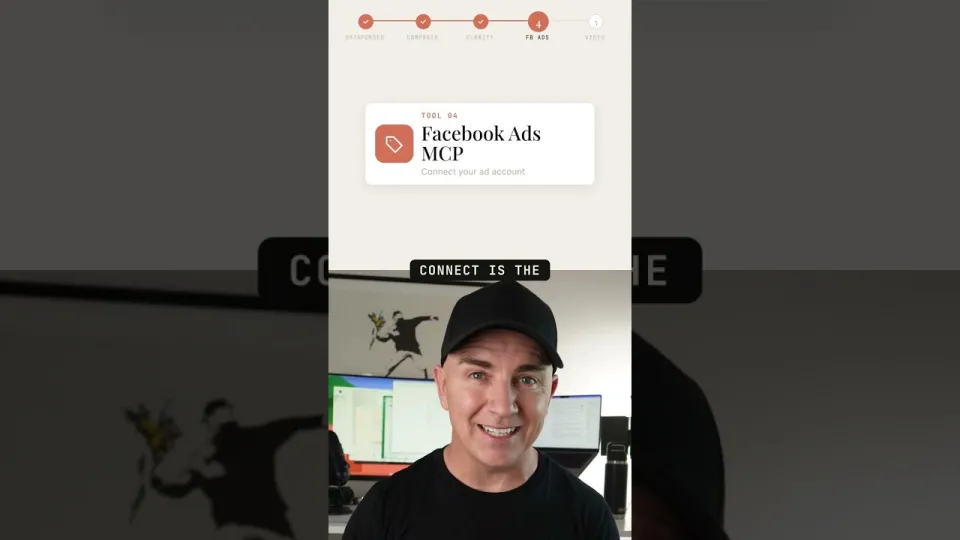
- Facebook Ads MCP gives the assistant access to Meta ad account data, so campaign, ad set and creative performance can be queried in plain language instead of clicking through Ads Manager.
- VidIQ provides YouTube and video research: keyword scores, competitor channels and performance benchmarks. It matters for stores that use video or influencer content as a traffic channel.
What each connector changes in day-to-day work
The value shows up in specific tasks, not in the novelty of the integration. With DataForSEO, a store can ask for the keywords a competitor ranks for on a category page and get a list it can act on the same day. With Clarity, the question shifts from "why is conversion low" to "which pages produce rage clicks before checkout," and the answer comes with recordings to review. With Facebook Ads MCP, a merchant can ask which creative had the best cost per purchase over the last 30 days and get a direct comparison. VidIQ serves a narrower purpose: it tells you whether a video topic or title has search demand before you spend on production. Composio is the connective tissue; it is most useful once you have two or three other tools and want one assistant to reach all of them without custom code for each.
How to connect Facebook Ads and the rest without breaking things
The order of setup matters more than the tool list. Start with the free option: create a Microsoft Clarity project, paste its tracking script into your Shopify theme, and let it collect a few days of sessions before drawing conclusions. For paid tools, create a dedicated API key or token for the AI connection rather than reusing a personal login, and grant read-only access wherever the service allows it. Facebook Ads MCP needs a Meta app with the right permissions and an access token tied to the ad account; grant the minimum scope that still returns campaign and insight data. Keep the connector credentials in one place, note which account each key belongs to, and revoke anything you stop using. A connector with write access can change campaigns or publish content, so test in a sandbox or a secondary ad account before pointing it at live spend.
Typical questions from store owners
Two concerns come up most often when merchants look at this list. The first is cost: only Clarity is free, while DataForSEO, Composio, VidIQ and Meta's ad tooling involve subscriptions, usage fees or developer setup time, so it makes sense to add one connector, measure the hours it saves, and only then add the next. The second is technical fear, especially around ads: people assume connecting an ad account to an AI assistant requires a developer. In practice the hard part is permissions and token management, not code, and the Meta side is documented well enough that a non-developer can follow it step by step. A reasonable starting sequence is Clarity first, then DataForSEO if organic traffic matters, then Facebook Ads MCP if paid social is a real channel.
What to expect after wiring them up
The payoff is not instant automation but better questions. Once an assistant can see search data, session recordings and ad performance, the output shifts from generic marketing copy to recommendations tied to your own numbers, and the time spent exporting CSV files and switching tabs drops noticeably. Start with one connector, confirm it returns accurate data for your account, and expand only when the first one is part of your routine. Brendan Gillen's video breakdown is a useful starting point for choosing which of the five to try first.
Source: 5 AI connectors most Shopify stores aren't using · Markdown version
Questions & answers
How do you connect Facebook Ads to an AI assistant?
You create a Meta app with the permissions needed to read ad account data, generate an access token for that ad account, and add it to an MCP-compatible client or agent. The assistant can then query campaigns, ad sets and insights in plain language. Grant read-only scope first and test on a secondary ad account before touching live spend.
Are these connectors free to use?
Only Microsoft Clarity is free; it records sessions and builds heatmaps at no cost. DataForSEO, Composio and VidIQ are paid services with subscription or usage-based pricing, and the Facebook Ads connection costs setup time rather than a licence fee. Budget for one tool at a time and measure the hours it saves.
Do I need a developer to set up MCP connectors for a Shopify store?
Usually not for the simpler ones. Clarity needs a tracking script pasted into the theme, and most MCP clients accept an API key through a settings screen. The fiddly part is permissions and token management, especially for ad accounts, so allow an afternoon for the first setup and keep credentials documented.
Which connector should a small Shopify store add first?
Start with Microsoft Clarity because it is free and immediately shows where visitors drop off or get frustrated. If organic search is a main traffic source, add DataForSEO next for keyword and competitor data. Add Facebook Ads MCP only when paid social is a meaningful part of the budget.